
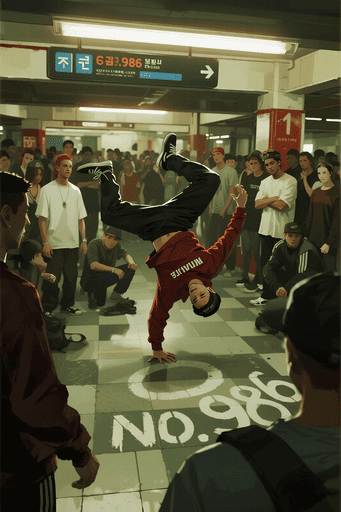
Nano Banana 用のプロンプトが無料で提供されいる「Nano Banana プロンプトライブラリ」というサイトを見つけました。tips集参考サイトにはなかったものもありましたのでいくつか試してみます。
元画像
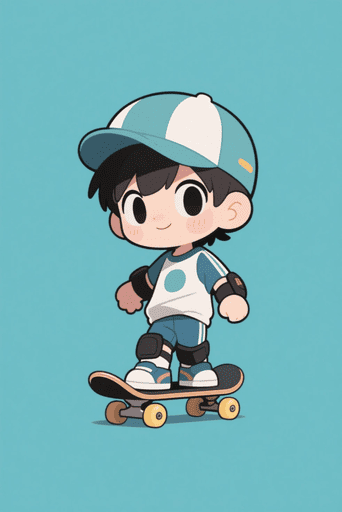
超リアルなペンタブレット画面の画像、リアルな一人称視点、片手でペンタブレットとペンを持っています。ペンタブレットの画面には元の画像の未完成状態が表示されています。元の画像から線画が抽出され、線画の一部が着色されています。色は元の画像と一致しており、まだ未完成の着色状態です。単色であってはならず、約70%のエリアが着色されています。クローズアップショット、ペン先が画面に触れています。
Film Edit 2.0
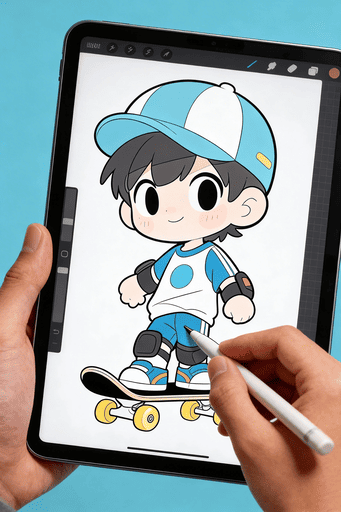
Nano Banana 2
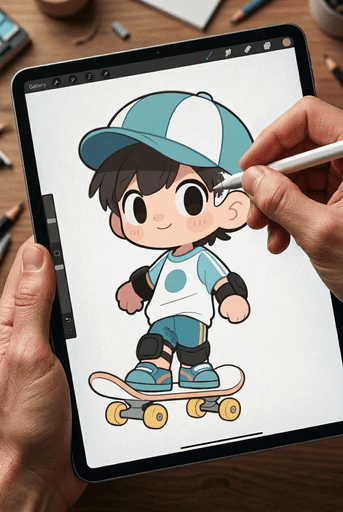
違いは明らかでした。
task: “edit-image: add widened torn-paper layered effect”
base_image:
use_reference_image: true
preserve_everything:
– character identity
– facial features and expression
– hairstyle and anatomy
– outfit design and colors
– background, lighting, composition
– overall art style
rules:
Only modify the torn-paper interior areas.
Do not change pose, anatomy, proportions, clothing details, shading, or scene elements.
effects:
– effect: “torn-paper-reveal”
placement: “across chest height”
description:
Add a wide, natural horizontal tear across the chest area.
The torn interior uses the style defined in interior_style.
– effect: “torn-paper-reveal”
placement: “lower abdomen height”
description:
Add a wide horizontal tear across the lower abdomen.
The torn interior uses the style defined in interior_style.
interior_style:
mode: “line-art”
style_settings:
line-art:
palette: “monochrome”
line_quality: “clean, crisp”
paper: “notebook paper with subtle ruled lines”
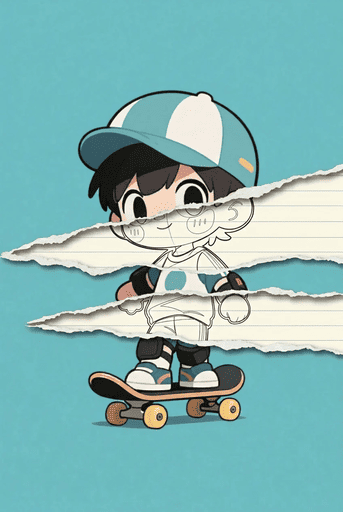
この画像がとても面白いなと思いました。
画像をiPhoneのロック画面壁紙効果に変換してください。スマホの時間(01:16)、日付(9月16日、日曜日)、ステータスバーの詳細(バッテリー、信号など)が画像上にオーバーレイ表示され、下部にはフラッシュライトとカメラアイコンが表示されます。元の画像は、長方形のスマートフォン画面構成に合わせて調整されます。スマホは同じ配色の背景に配置されます。
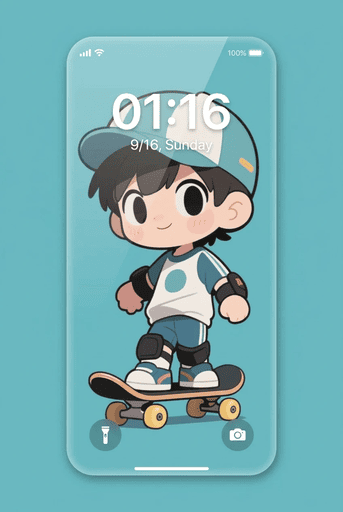
これは、よくある定番の画像かと思います。少しリアリティーに欠けてしまいました。
Nano Banana プロンプトライブラリ
面白ブロンプトがたくさんあるので、しばらく試してみたいなと思います。
Nano Banana 2について
ある解説によると前バージョンと比較して速度2倍、コスト半分とのことです。
入力については、英語と中国語に完全対応と書かれていました。従って、プロンプトはそのどちらかで入力した方が良いようです。ユーザーのランクによって仕様を比較した表がありました。その中に、「無料ユーザーは、混雑時生成待ち」という記載がありました。SeaArtの中のNanoBanana2もそのためにシステムキャンセルが頻発しているのでしょうか。
コメント